How it works
What happens between paste and report
How it works
Three steps, about forty seconds
Paste a URL or your HTML
Give Tallyn a public URL and it fetches the page, or paste the markup for something behind a login or built in the browser. Nothing to install, no config, no template to pick. Tallyn works out what kind of page it is reading.
A URL that returns real server-rendered markup works best. If a page ships an empty shell, Tallyn tells you it saw little to read rather than guessing.
Tallyn finds and ranks the barriers
Deterministic checks catch the clear failures, then a language model reasons about the page in context: a clickable div that traps a keyboard, an alt that should be empty, a control with no accessible name. Every finding is ranked by how much it actually blocks people.
Each quoted snippet is checked back against your own markup before you see it. A fix that points at the wrong element is worse than no fix, so an unlocatable one is dropped.

Get plain explanations and drafted fixes
The issues come back grouped by severity, each with who it affects, why it matters, the WCAG reference, and the exact code fix written for your own markup. Copy the fix, ship it, and re-check the page to watch the score move.
The fix is a strong first draft, not a patch to merge blind. Each one carries a one-line note on why it works, so you can adapt it with confidence.

In detail
The five stages
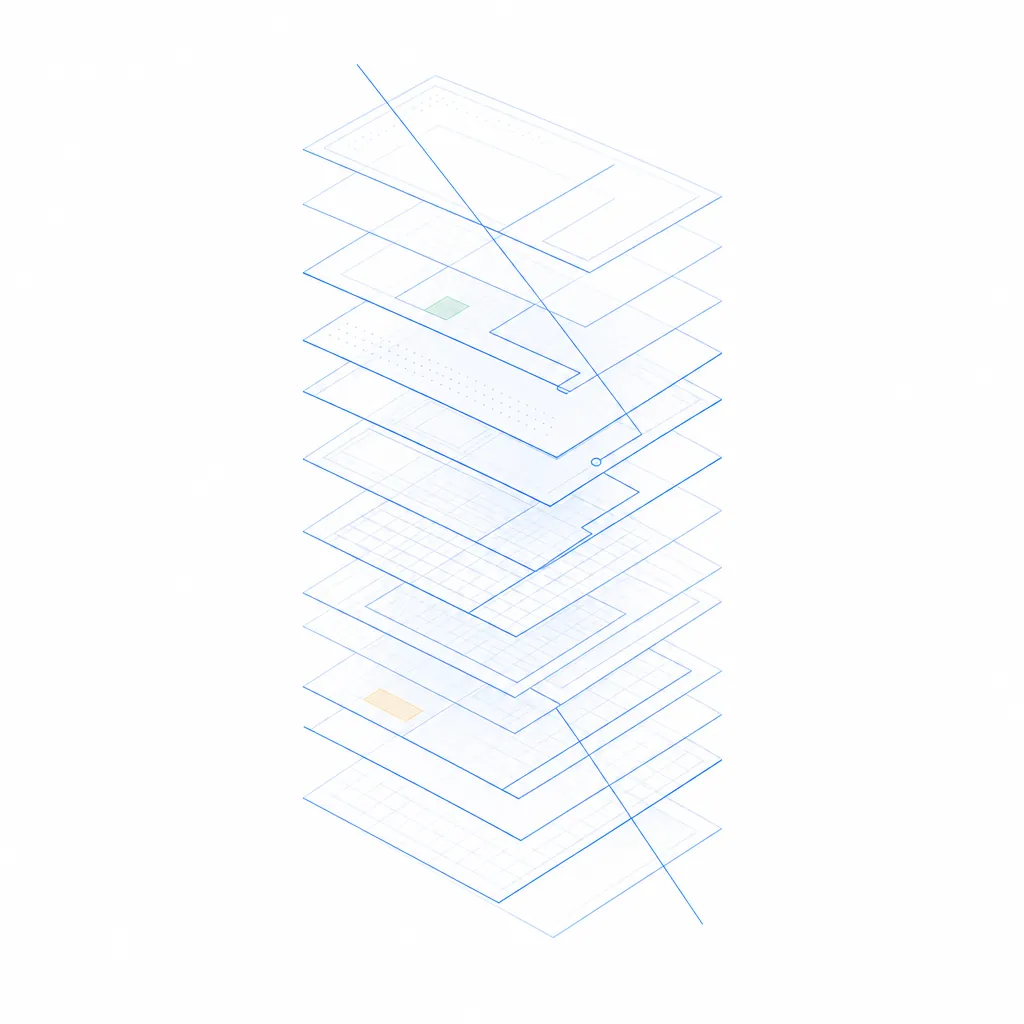
Written out because the trustworthy part of this product is not the model call. It is what happens either side of it.
- 01Cleaning
Only the markup that matters
Scripts, styles, HTML comments and inline SVG path data are stripped before the audit begins. What is left is the structure, the text, the attributes and the ARIA, which is what any accessibility check reasons about. Pages up to 48,000 characters of cleaned markup are audited in a single pass. If the page is longer, it is trimmed and the report says so, clearly.
- 02Deterministic checks
The clear failures, measured in code
Before the model runs, a set of checks reads the markup for barriers that do not need judgement: a missing lang attribute, an image with no alt, an input with no id to pair with a label, a button with no text and no aria-label, a positive tabindex that breaks focus order. These run in code, seed the model with grounded hints, and are marked in the report as mechanically verified.
- 03Model reasoning
The page read in context
The cleaned markup, seeded with the deterministic signals, goes to the model. It reads the whole page: a clickable div with no role and no keyboard handler, an alt that should be empty for a decorative image, a heading that jumps from h1 to h4, a landmark that is missing, a link that says only 'click here'. These need judgement about context, not just a rule match.
- 04Verification
Every quote checked against your markup
The model returns a verbatim snippet for each issue it flags. Before you see it, that snippet is located in your own markup: exact match first, then insensitive to whitespace and curly quotes, then the longest run that does appear. A snippet that cannot be found is dropped, and the report says how many were. A fix pointing at the wrong element is worse than no fix at all.
- 05Ranking and fixes
Impact first, then the exact code
Issues are sorted by severity, then by where they appear on the page, so the list reads like a priority queue rather than a table of contents. A fix for each issue is written for your own markup, minimal and faithful to your content, each with a one-line note on what the fix changes and why it works. Re-check the page after you ship and the score updates.
Questions